Why Your Crew's Timesheets Are Costing You Money
Hours guessed on Friday quietly wreck your job costing. Here's what inaccurate crew timesheets really cost a contractor, and how to log hours on site instead.
 By Timbersite team · · 4 min read
On this page
On this page
It’s Friday afternoon. Payroll is due Monday. You text the crew: “Send me your hours.”
What comes back is a mix of memory, rounding and guesswork. Tuesday was “about 8.” The trip to the supply house got lumped in with the Oak Hill job. Somebody forgot Wednesday entirely and will “figure it out next week.”
Most contractors know this system is loose. Fewer realize how much it costs them, because the cost doesn’t show up as a line on any bill. It shows up as jobs that should have made money and didn’t.
The real problem isn’t payroll. It’s job costing.
Paying people for the hours they worked is the easy part. The harder question is which job those hours belong to.
Labor is usually one of the biggest costs on a job, and the most variable. Materials have receipts. Subs send bills. Labor lives in people’s heads until Friday.
When hours get guessed at the end of the week, three things go wrong:
-
Hours land on the wrong job. A crew that split the day between two sites puts it all on one. One job looks great, the other looks like a disaster, and neither picture is true.
-
Small leaks never get caught. An extra half hour a day across a crew doesn’t feel like much. Over a two-month job, it adds up to real money that nobody can explain.
-
Your next estimate is built on bad data. If you don’t know how long framing actually took on the last three jobs, you’re guessing again when you price the next one.
A quick example
Take a crew of five on a job estimated at 400 labor hours.
Say each person’s timesheet is off by just 30 minutes a day, either rounded up or put on the wrong project. Over 40 working days, that’s:
5 people × 0.5 hours × 40 days = 100 hours
That’s a quarter of the labor budget you can’t account for. You either overpaid, or the hours belong to another job that now looks better than it is. Either way, the margin you think you made on that job isn’t the margin you actually made.
The exact numbers will be different for your business. The point is that small daily errors compound, and you don’t find out until the job is closed.
Signs your time tracking is leaking money
-
Hours get collected by text, phone call or paper at the end of the week
-
You find out a job went over budget after it’s finished
-
Your office manager spends Monday morning chasing missing hours
-
Crews can’t tell you which phase of the job they worked on
-
Your estimates for labor keep coming in low, and you’re not sure why
If two or more of these sound familiar, your time data is probably costing you more than you think.
What good crew time tracking looks like
You don’t need a complicated system. You need four things:
1. Hours logged on site, when the work happens. A crew member clocks in when they arrive and out when they leave, from their phone. No remembering on Friday.
2. Every hour tied to a job and a task. Not just “Oak Hill,” but “Oak Hill, framing.” That’s what lets you compare actual hours against what you estimated for each phase.
3. The location recorded at clock-in. It isn’t about watching people. It’s about having a clear record if a customer or a crew member ever questions where time went.
4. A manager approves hours before they count. Mistakes happen. A quick weekly review catches them before they flow into payroll and job costing.
How Timbersite handles it
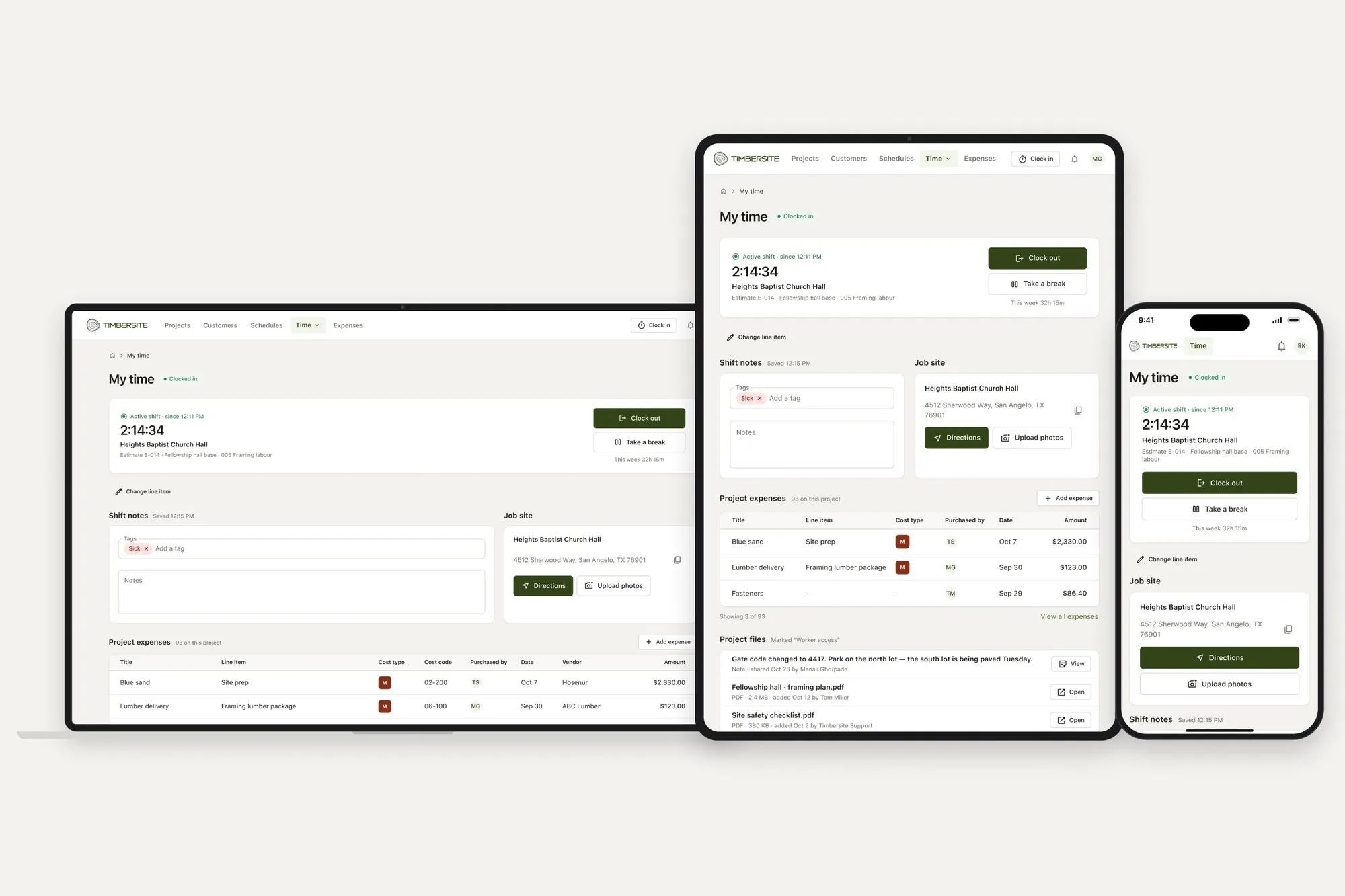
Timbersite was built around this exact problem. Field workers and crew leads clock in and out from their phone or browser. The clock-in can be pre-filled from the day’s schedule, is tied to a project and a specific line item from the estimate, and records the location.
During the shift, the worker can see the job site address and directions, upload photos, add expenses with receipts, and open the files the office has shared with the crew. Breaks, shift notes and weekly totals are built in.
Project managers, accountants and admins review timesheets in one place, edit anything that’s wrong, and approve them. Approved hours flow straight into wages and job costing. Pending hours are held back until they’re approved, so unchecked time never skews your numbers.
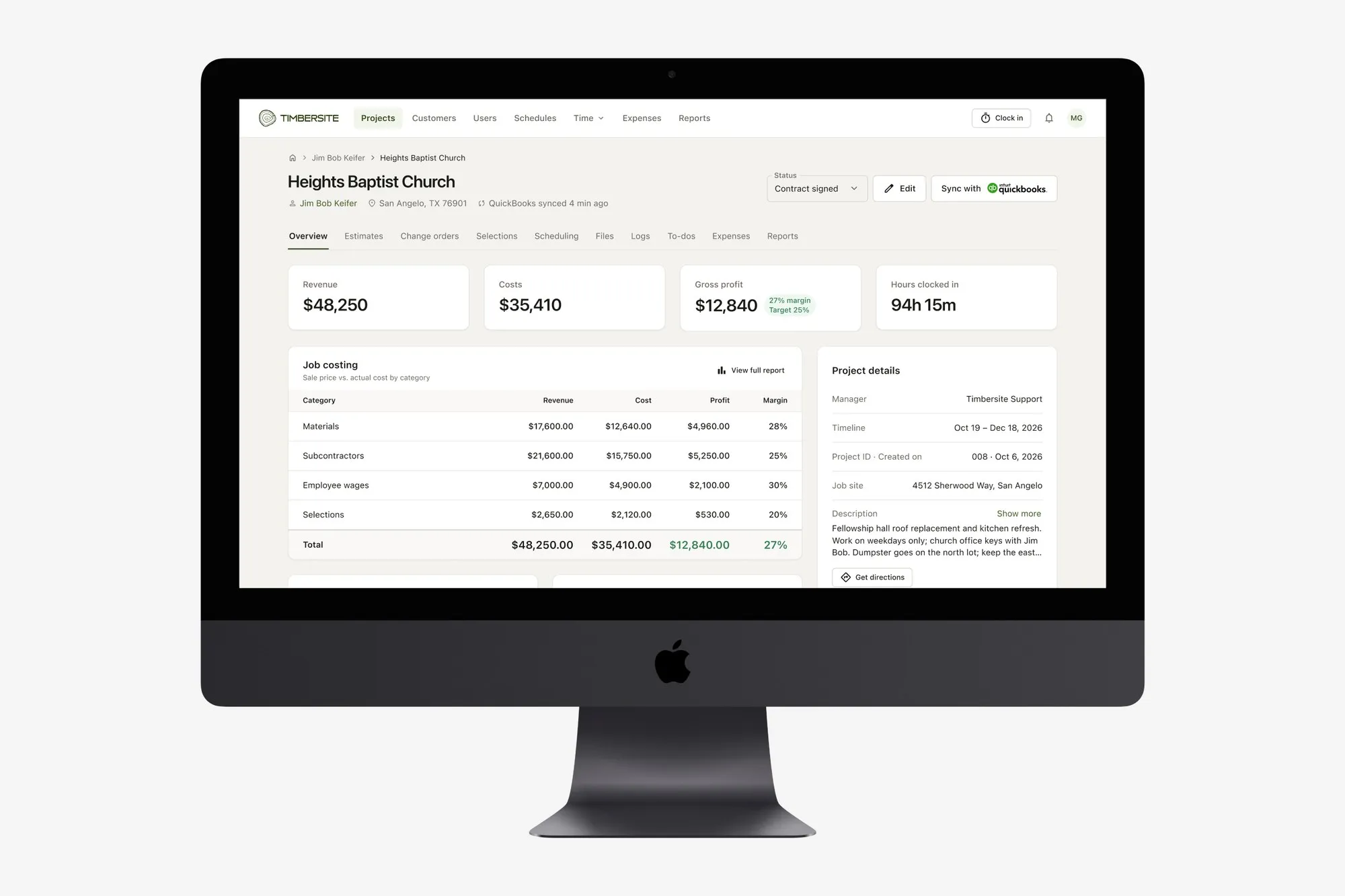
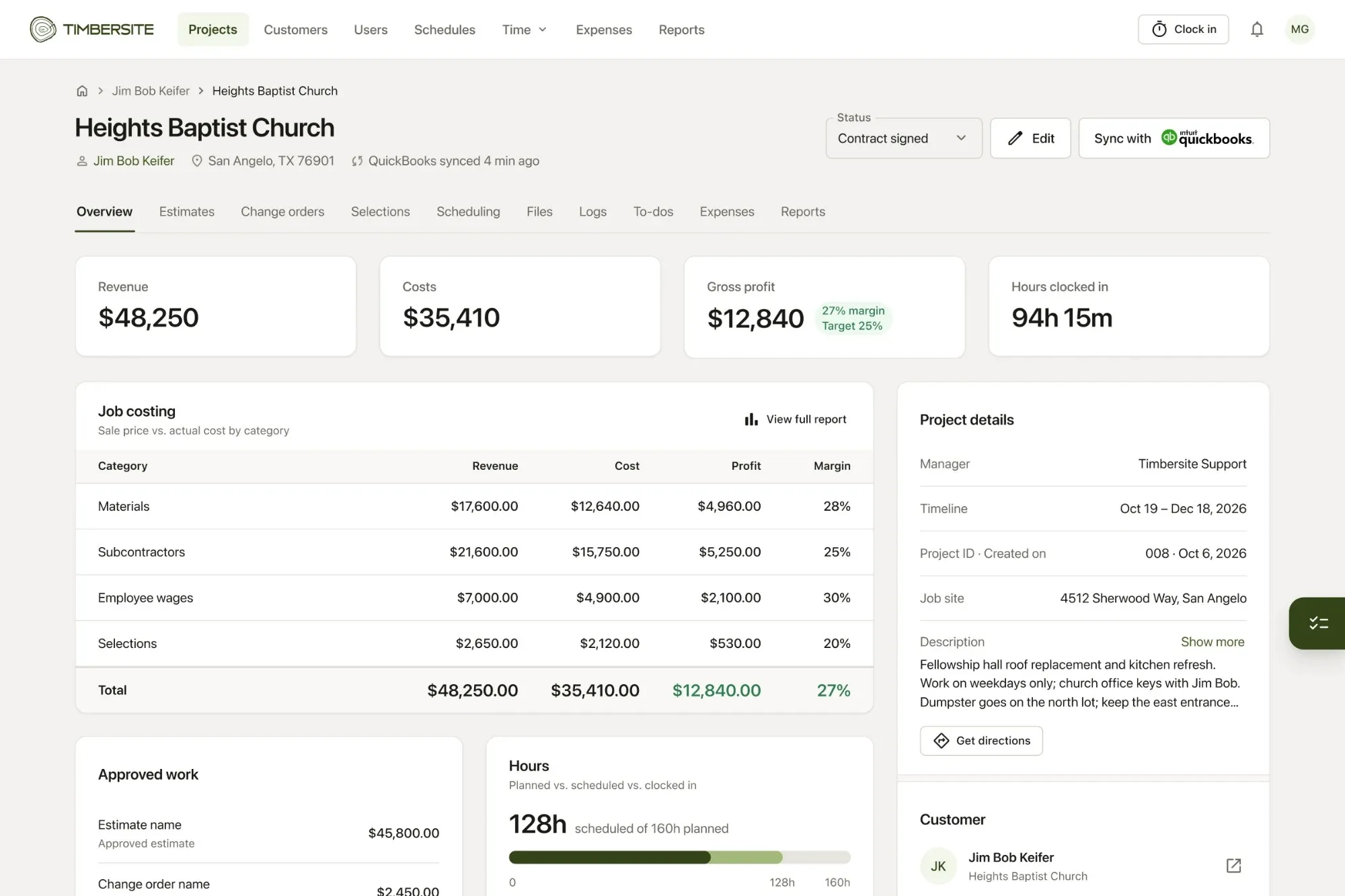
Because the hours are tied to the same line items as your estimate, you can see planned hours against clocked hours on every job, while the job is still running.
Start with one job
You don’t have to change your whole company overnight. Pick one active job and have the crew clock in on site for two weeks. Compare those hours with what you’d normally have collected on Friday. Most contractors are surprised by the difference.
Timbersite has a 14-day free trial with every feature included and no credit card required. Most teams are up and running the same day.