How Contractors Can Stop Retyping Everything Into QuickBooks
Double entry between the field and QuickBooks wastes hours and causes month-end headaches. Here's how contractors can sync estimates, expenses and time automatically.
 By Timbersite team · · 3 min read
On this page
On this page
Most small construction businesses run their books in QuickBooks. That part works. The problem is everything that has to happen before the numbers get there.
An estimate gets built in a spreadsheet. A change order gets written up in Word. Receipts pile up in a truck. Hours arrive by text on Friday. Then somebody, usually the bookkeeper or the owner’s spouse, sits down and types it all into QuickBooks by hand.
That’s double entry. And for a contractor, it’s one of the most expensive habits in the business.
What double entry really costs
Time. Every estimate, expense and timesheet gets handled twice. For a company running several jobs at once, that can be hours of work every week that adds nothing.
Errors. Retyping means typos, missed receipts and costs posted to the wrong job. A $842 lumber receipt that lands on the wrong project makes one job look worse and another look better than it is.
Delay. If the books only get updated at month-end, you’re always looking at old numbers. By the time you see that a job is over budget, the money is already spent.
Friction. Bookkeepers end up chasing the field for missing receipts and unclear hours. The field gets annoyed at the office. Everybody’s frustrated, and the month-end scramble starts again next month.
Why it happens
It’s not that contractors are disorganized. It’s that the tools in the field and the tools in the office don’t talk to each other.
QuickBooks is accounting software. It’s very good at the books, but it wasn’t built to run a job site. So contractors bolt on spreadsheets, paper forms and texting to cover the field side, and someone has to bridge the gap by hand.
What “no double entry” actually looks like
The fix is simple to describe: enter information once, where it happens, and let it flow to QuickBooks.
-
The estimate is built once, in the system you use to run the job.
-
When a customer approves a change order, it’s recorded once.
-
A crew member snaps a receipt on site, and the expense is recorded once, against the right job and line item.
-
Hours are logged once, at clock-in, and approved once by a manager.
Then all of that syncs to QuickBooks without anyone retyping it. Your bookkeeper sees what the field sees.
What to sync (and what to check)
If you’re evaluating construction software, ask exactly what it syncs with QuickBooks. “Integrates with QuickBooks” can mean anything from a full sync to a one-time export.
The data that matters most for a contractor:
| Data | Why it matters |
|---|---|
| Customers | So you’re not maintaining two customer lists |
| Cost codes | So costs land in the same categories in both systems |
| Estimates | So the office knows what was sold |
| Change orders | So approved extra work is never lost |
| Expenses | So materials and receipts hit the books as they happen |
| Time entries | So payroll hours match the job |
Also ask how often it syncs, whether you can see when it last synced, and what happens if something fails.
How Timbersite handles it
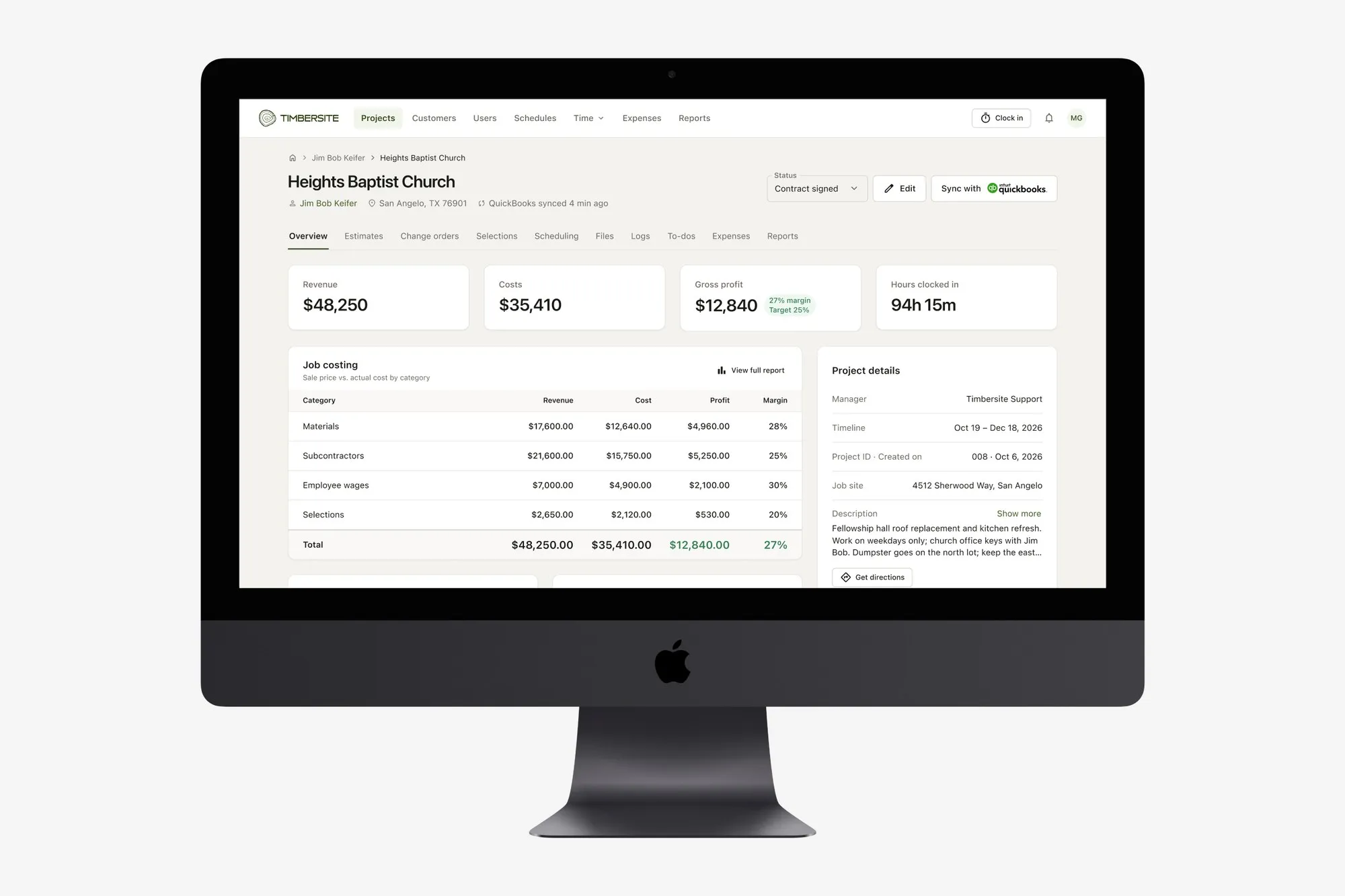
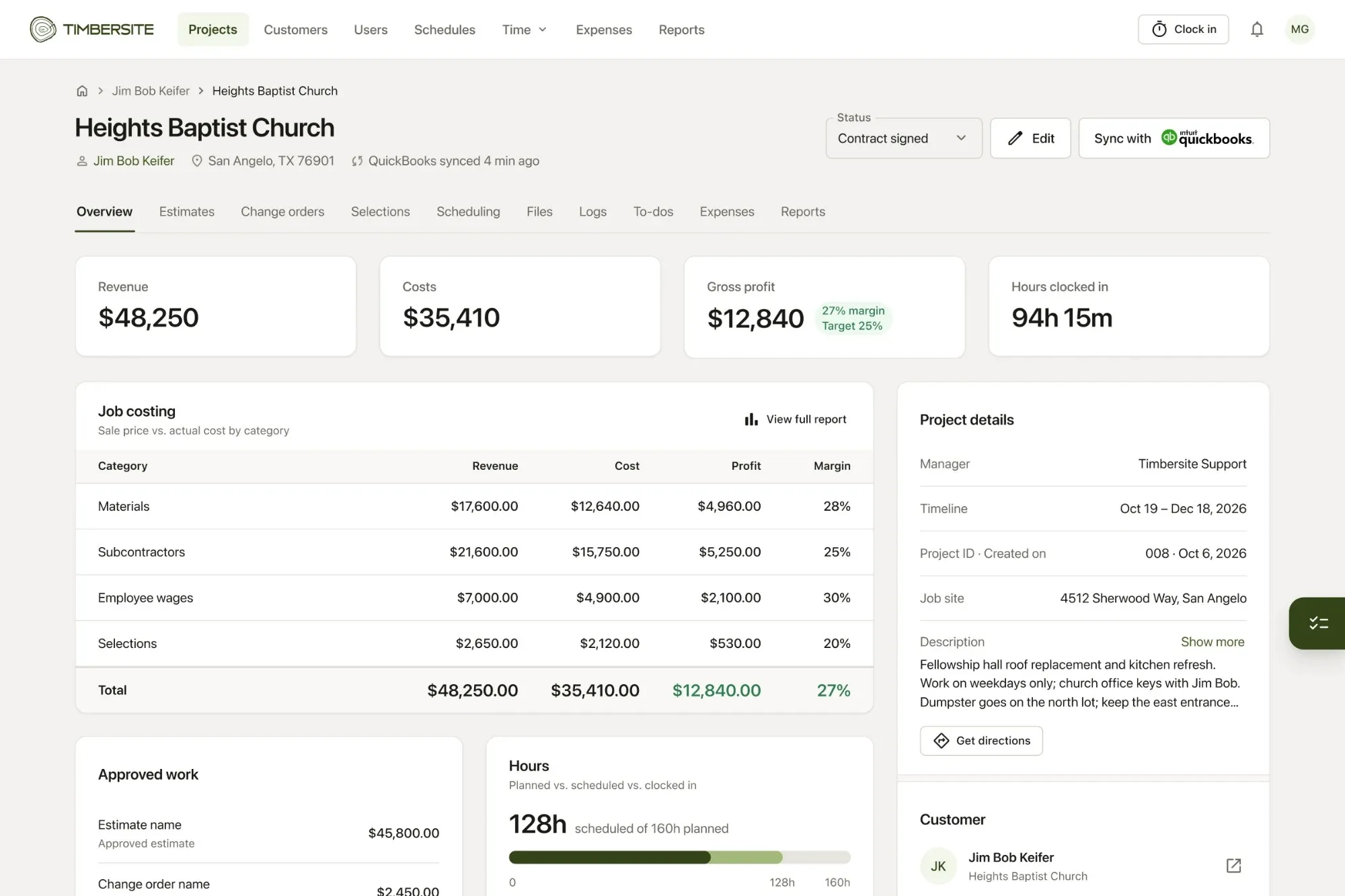
Timbersite syncs customers, cost codes, estimates, change orders, expenses and time entries to QuickBooks. You can see on every project when it last synced, and sync on demand.
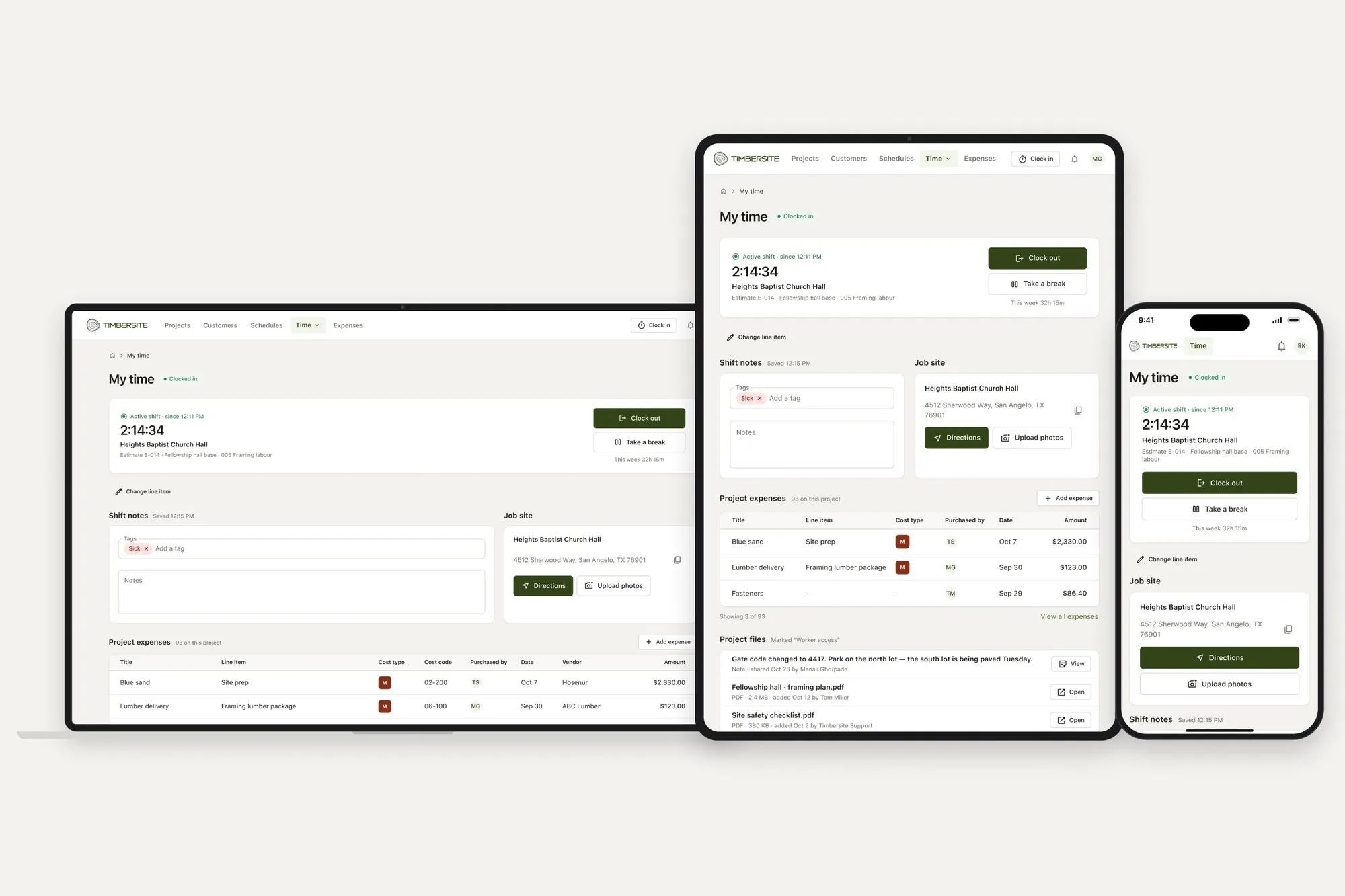
Because everything in Timbersite uses the same line items, from the estimate through to the expense and the clocked hours, the numbers that reach QuickBooks are already sorted by job and cost code. Crews add expenses and receipts straight from their shift, so costs don’t wait in a truck until month-end.
One thing to know: Timbersite doesn’t create invoices. It runs the job and sends clean data to QuickBooks, and your billing stays in QuickBooks, where your bookkeeper already works.
A simple way to start
-
List every place a number gets typed twice in your business today.
-
Count roughly how many hours a week that takes.
-
Pick the biggest one, usually expenses or timesheets, and fix that first.
If you want to see what it looks like with your own jobs, Timbersite has a 14-day free trial with every feature, including QuickBooks sync, and no credit card required.