Buildertrend Alternatives for Small Contractors (2026): An Honest Comparison
Is Buildertrend more than your business needs? An honest look at when Buildertrend is the right fit, when it isn't, and what small contractors should compare instead.
 By Timbersite team · · 5 min read
On this page
On this page
Buildertrend is one of the best-known names in construction management software, and for good reason. It’s mature, it does a lot, and plenty of builders run their whole business on it.
But “does a lot” isn’t always what a small contractor needs. If you’re running a handful of jobs with a crew of 5 to 50, you may be paying for, and training people on, far more software than you’ll use.
This guide is meant to help you decide honestly. That includes the cases where Buildertrend is the better choice.
Disclosure: this article is published by the team that built Timbersite, one of the alternatives covered. We’ve tried to be fair, and we tell you where Buildertrend comes out ahead.
When Buildertrend is a good fit
Buildertrend is a strong choice if:
-
You have a large team. Third-party pricing guides consistently report that Buildertrend plans include unlimited users. If you have dozens of office and field users, that can work out cheaper than per-user or per-seat pricing.
-
You want one platform that does almost everything, and you have someone who can own the setup and training.
-
You’re already on it and it’s working. Switching software has real costs. If your crew uses it and your numbers are good, don’t switch just because something is cheaper.
Why small contractors look for alternatives
The reasons we hear most often:
1. Price. Buildertrend doesn’t publish a simple price list. Its pricing page currently shows a starting price of around $499 a month, and third-party guides report higher tiers above that, with discounts for annual billing. Check the latest with Buildertrend directly, because these numbers change. For a small team, that’s a big monthly commitment.
2. Complexity. The more a platform does, the more there is to learn. A common story is a rollout where the office uses a fraction of the features and the field crew never really adopts it.
3. No self-serve trial. Third-party reviews note that Buildertrend offers a guided demo rather than a free trial, so you can’t try it on a live job by yourself first.
What to compare in any alternative
Before you look at specific products, decide what you actually need. For most small contractors, it comes down to this:
| What you need | Questions to ask |
|---|---|
| Estimates | Can I build from templates and send a branded estimate the customer signs online? |
| Change orders | Can customers review and sign change orders online? Do they add to job revenue automatically? |
| Scheduling | Can I build a schedule from the estimate, or do I retype it? Is there a Gantt view? |
| Crew time | Can the crew clock in on site from their phone, against a specific job and task? |
| Job costing | Can I see estimated vs. actual cost and margin while the job is running? |
| QuickBooks | What exactly syncs: customers, cost codes, estimates, change orders, expenses, time? |
| Pricing | Is the price published? Does the field crew count? Is there a contract? |
| Trial | Can I try it on a real job, without a sales call or a credit card? |
Timbersite
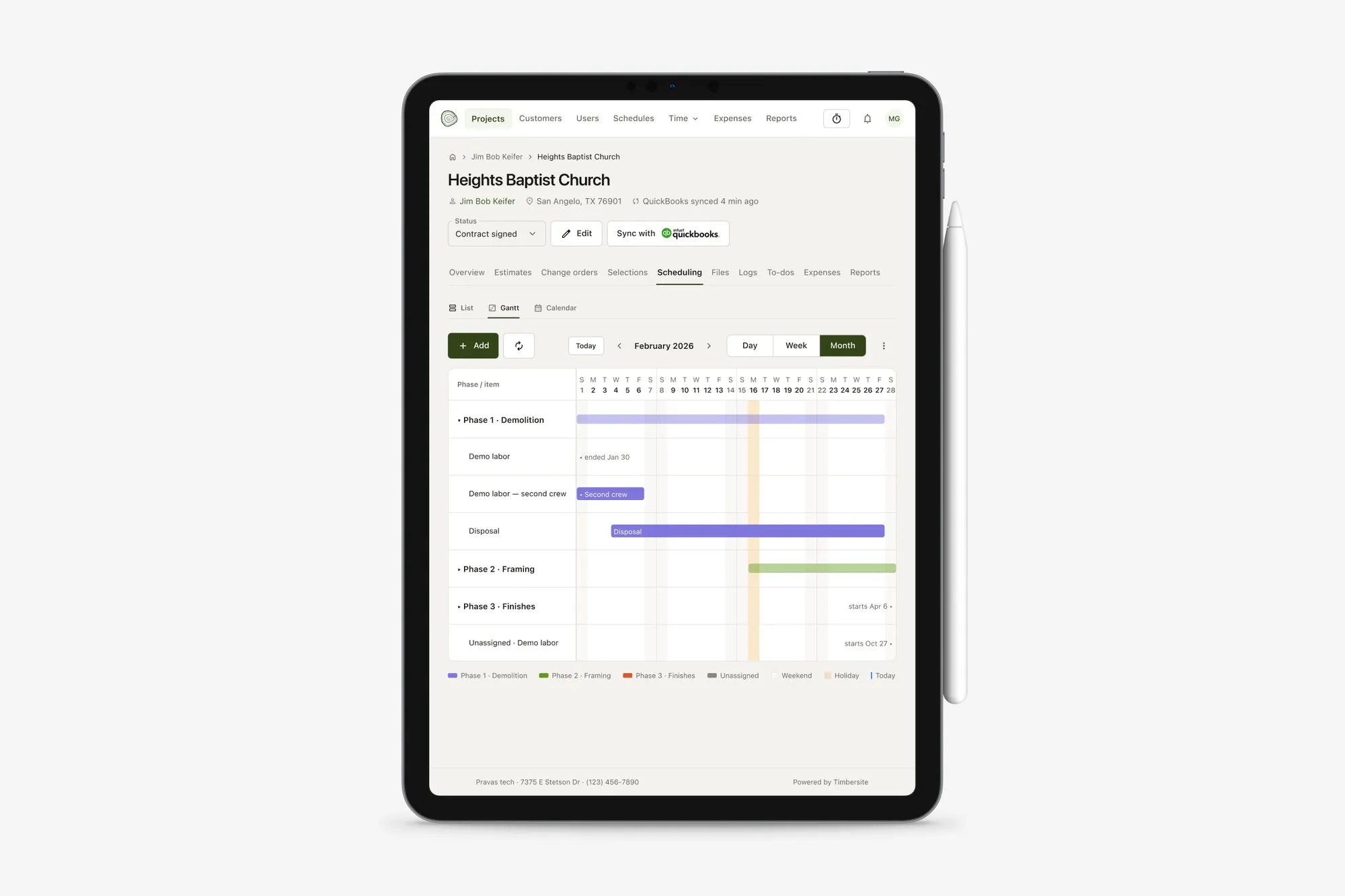
In Timbersite, the approved estimate generates the schedule, shown here in the Gantt view.
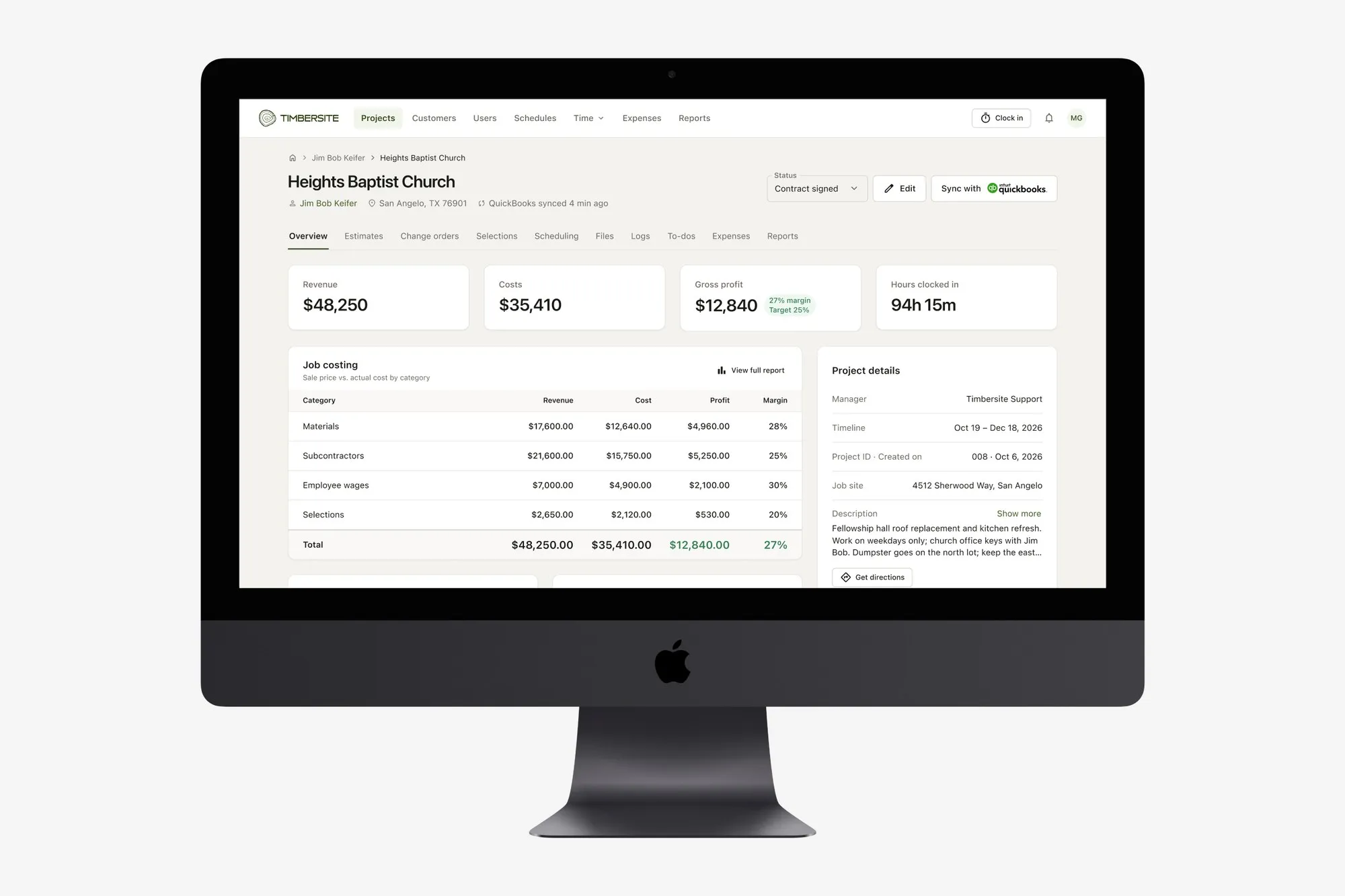
Timbersite was built for small and mid-sized general contractors, home builders and trade contractors, roughly 5 to 50 people including field crew. It was designed by a construction industry veteran and a long-time software developer, with a deliberate focus on only the features contractors actually use.
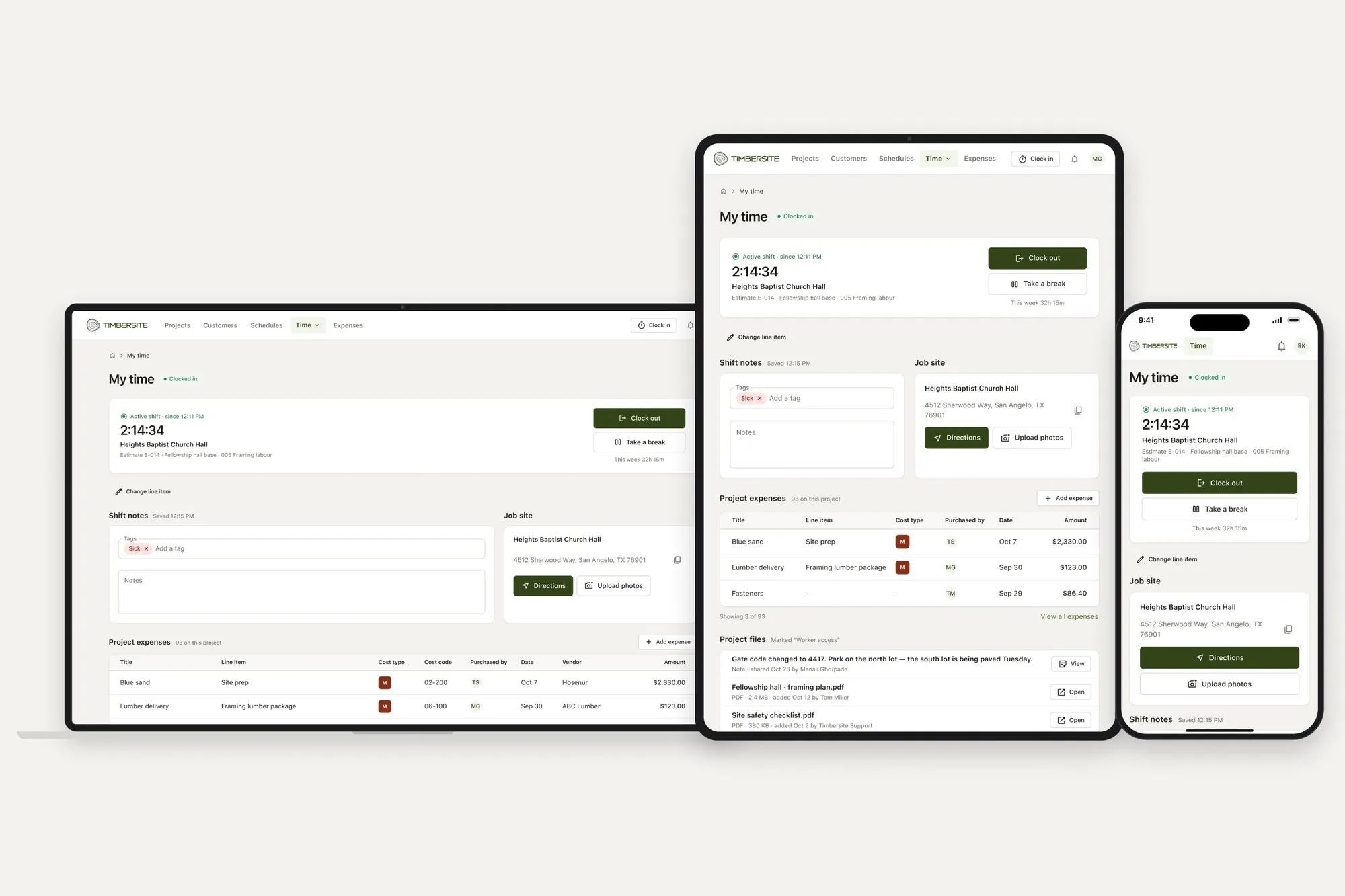
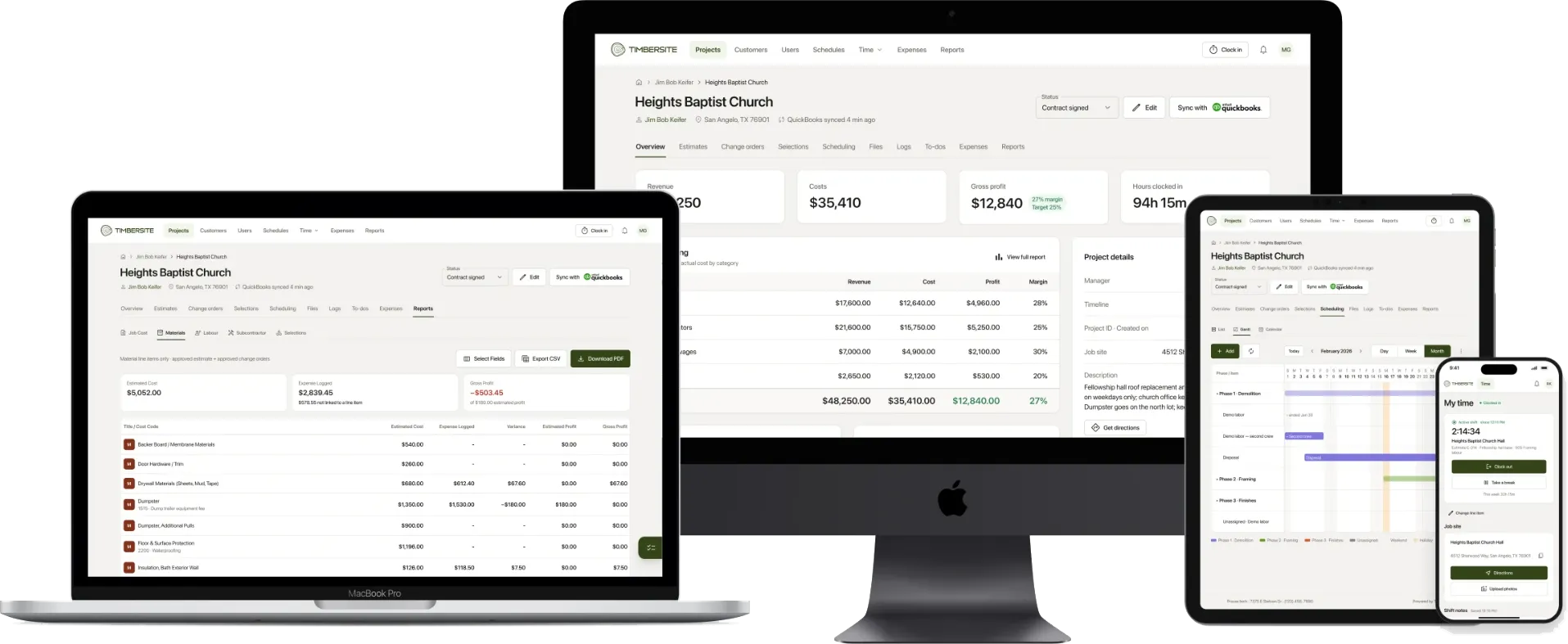
How it works: every job follows one flow: Customer → Project → Estimate → Schedule → Actuals → Reports. The approved estimate generates the schedule (with a Gantt view). Crew hours and expenses are logged in the field against the same line items. Reports compare plan with actual on every job.
What’s included: estimates and change orders customers sign online, scheduling, GPS crew time tracking, expenses with receipts, daily logs with photos, selections, to-dos, files, plan-vs-actual reports, QuickBooks sync and AI access through its own MCP server (Claude, ChatGPT and others).
Pricing: one plan with every feature. $199 a month for up to 10 people, plus $50 a month for every additional 10. Every enabled user counts, including field crew. Billed monthly, no contract, cancel anytime. Over 50 people, pricing is by conversation.
| Team size | Timbersite monthly price |
|---|---|
| Up to 10 people | $199 |
| 11–20 people | $249 |
| 21–30 people | $299 |
| 31–40 people | $349 |
| 41–50 people | $399 |
Trial: 14 days, every feature, no credit card. Most teams are running the same day.
Where Buildertrend may suit you better: if you have well over 50 users, a dedicated admin to run the system, or need features beyond the core job workflow, Buildertrend’s breadth and unlimited-user plans may be the better fit.
Other options worth a look
Depending on your trade and size, you may also want to look at JobTread, Contractor Foreman, Knowify and Houzz Pro. Each takes a different approach. Some focus on detailed job costing, some on low entry prices, some on billing for trade contractors, and some bundle in marketing and lead generation. Check each one’s current pricing and trial terms directly, and run them through the comparison table above.
If you’re a CoConstruct user
CoConstruct was acquired by Buildertrend, and many CoConstruct customers are deciding where to go next. If you’re in that position, it’s worth comparing more than one option before moving, especially for custom-home workflows like selections, estimates and change-order sign-off.
The bottom line
There’s no single best construction software. The right tool is the one your crew will actually use, at a price that makes sense for your size.
The best test is a real job. Pick one active project, run it on the tool for two weeks, and see whether the office and the field are working from the same plan.
You can do that with Timbersite’s 14-day free trial, with no credit card and no sales call needed.
Pricing information for Buildertrend is based on its public pricing page and third-party pricing guides as of November 2026. Always confirm current pricing with the vendor.