How to Run Your Construction Business From Claude or ChatGPT
AI assistants like Claude and ChatGPT can now read and update your real job data. Here's how MCP works for contractors, what you can ask, and how to keep it safe.
 By Timbersite team · · 3 min read
How’s the Oak Hill job tracking against budget?
TimbersiteLabor is at 82% with framing half done. Materials are under. Margin is 24% against a 25% target.
On this page
On this page
A lot of contractors have tried ChatGPT or Claude by now. Maybe to write a customer email, or to tidy up the wording on an estimate.
That’s useful, but it barely scratches the surface. The bigger shift is that AI assistants can now connect to the software you run your business on. Instead of copying and pasting, you ask a question about your real jobs and get a real answer.
“How’s the Oak Hill job tracking against budget?”
“Which to-dos are overdue this week?”
“Draft a change order for the extra outlet run on the kitchen island.”
This post explains how that works, what it’s good for, and how to keep it safe.
The missing piece: MCP
On its own, an AI assistant doesn’t know anything about your business. It can’t see your estimates, your schedule or your crew’s hours.
MCP (Model Context Protocol) is an open standard that fixes that. Think of it as a plug that lets an AI assistant connect to another app. When your construction software has an MCP server, any assistant that supports MCP can talk to it. That includes Claude, ChatGPT, Grok and others.
Once it’s connected, the assistant can look things up and, if you allow it, create and update records, all by you asking in plain English.
What contractors can actually do with it
Here are the kinds of things that become one-sentence requests:
Check on jobs
-
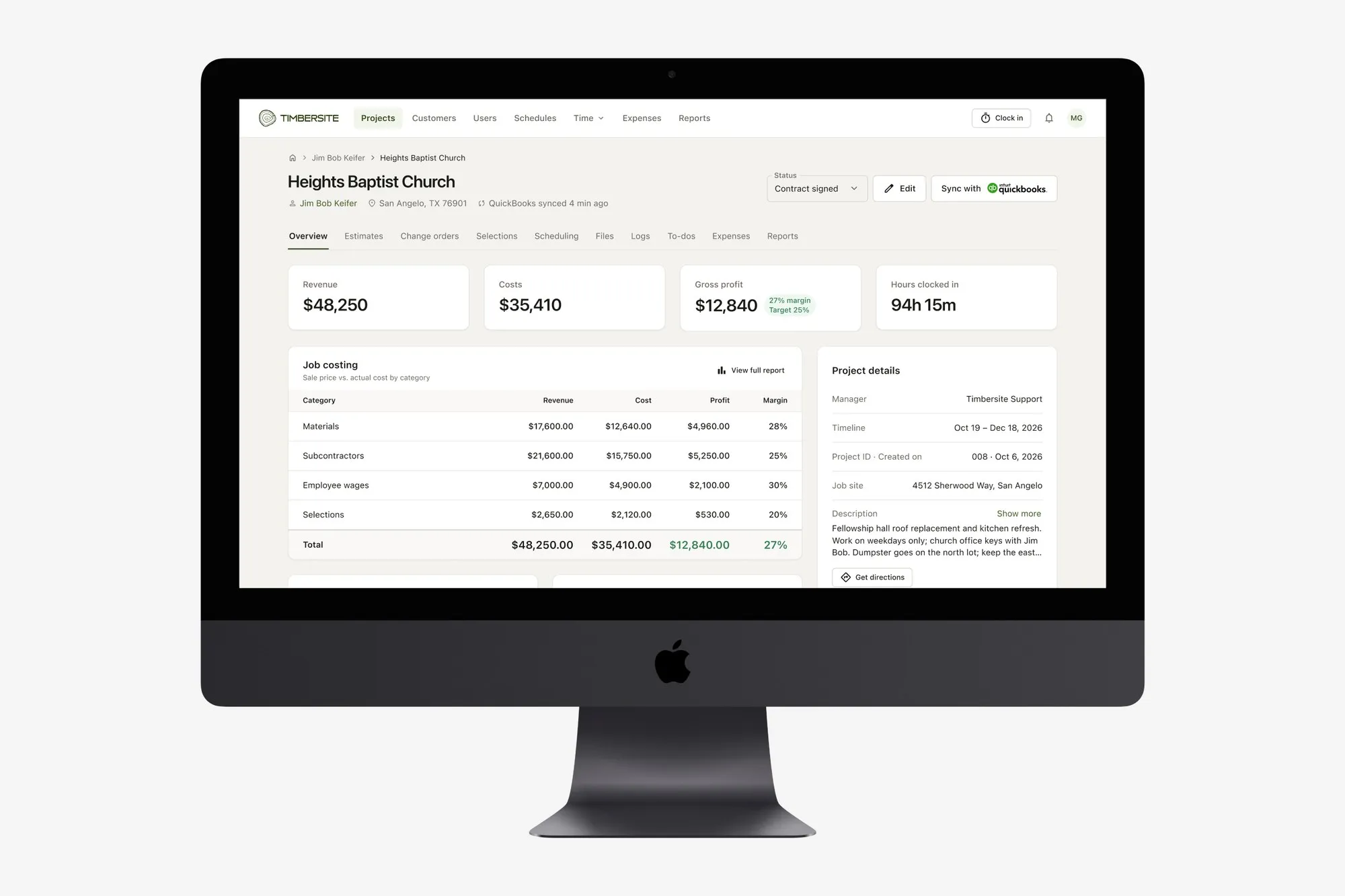
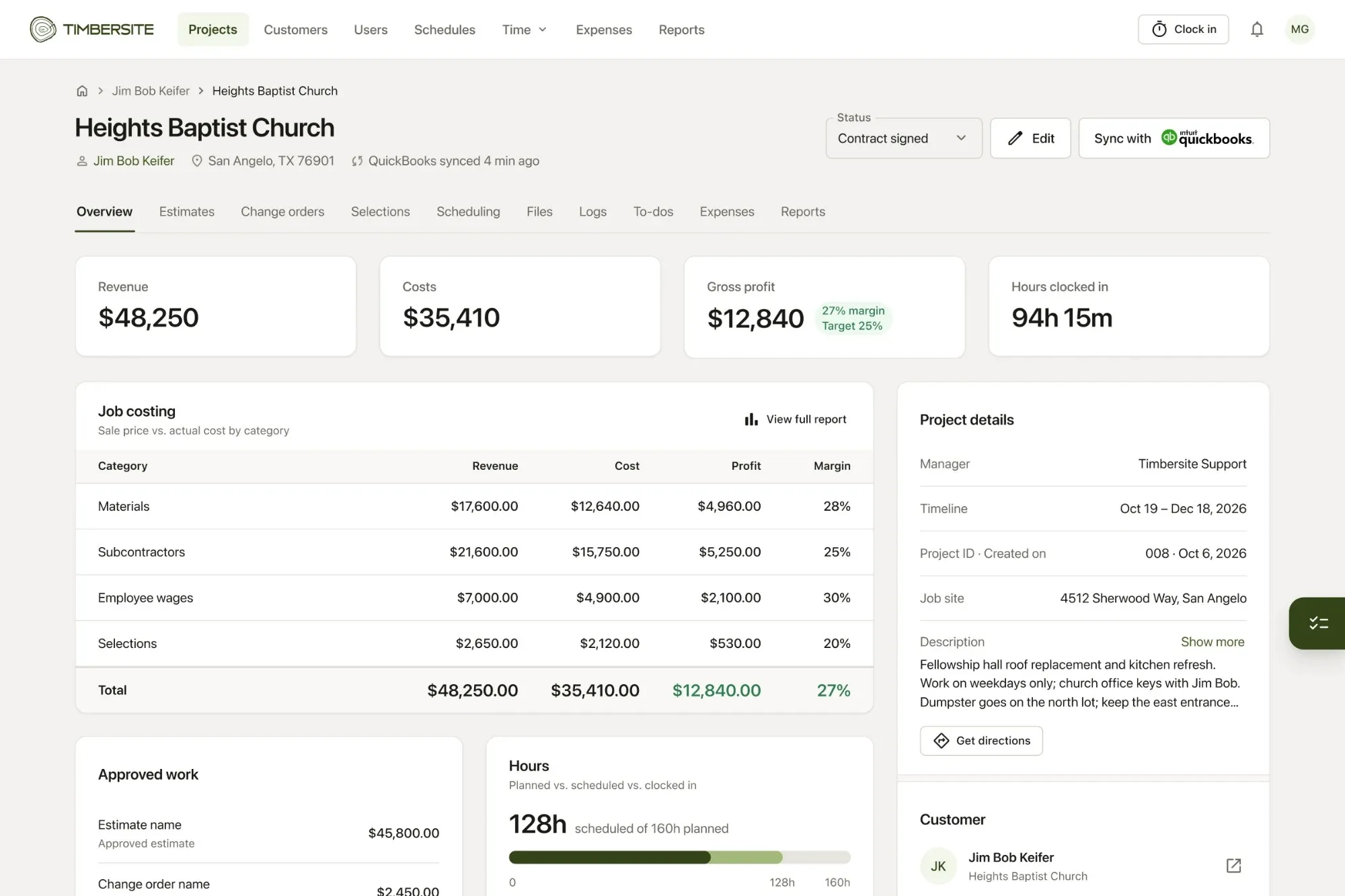
“What’s the gross margin on Heights Baptist Church right now, compared with our target?”
-
“Which active projects are over budget on labor?”
-
“How many hours has the crew clocked on the Smith remodel this week?”
Stay on top of the day
-
“What’s on the schedule for tomorrow, and who’s assigned?”
-
“List my overdue to-dos.”
-
“Which estimates are sent but not approved yet?”
Get paperwork done
-
“Create a change order on Oak Hill for an extra outlet run on the island, two hours of labor and $120 in materials.”
-
“Add a to-do for Mike to confirm the cabinet delivery date by Friday.”
The point isn’t that the AI is doing your job. It’s that you can get answers and handle small admin tasks from wherever you are, including your truck, without clicking through screens.
The question everyone should ask: is it safe?
Connecting AI to your business data is a reasonable thing to be careful about. Here’s what to look for:
1. Permissions should follow the person, not the AI.
The assistant should only see and do what you are allowed to see and do in the software. A field worker’s assistant shouldn’t be able to see company financials just because it’s an AI.
2. You control the key.
Access should come from a key you create and can revoke at any time.
3. Check what it changed.
For anything that creates or updates records, like a change order, check it in the app before it goes to a customer. Treat the AI like a fast assistant, not an unsupervised one.
How Timbersite does it
Timbersite has its own MCP server, so you can run it from Claude, ChatGPT, Grok or any MCP-compatible assistant.
Setting it up takes a few minutes:
-
In Timbersite, open your Profile and create an MCP key.
-
Add Timbersite as a connector in your AI assistant using that key.
-
Start asking questions about your jobs.
The assistant can ask questions, create records such as a change order, and update jobs in plain English. It can only see and do what your role allows. Timbersite has five roles (Admin, Accountant, Project manager, Crew lead and Field worker), and the assistant inherits the same limits as the person who created the key.
AI access is included in every Timbersite plan. It’s not an add-on.
Where AI fits, and where it doesn’t
AI is great for quick answers, summaries and drafting routine records. It’s not a replacement for walking the site, talking to your customer, or making judgment calls on a job.
Used well, it gives you back the time you’d otherwise spend digging through screens and spreadsheets.
Try it on your own jobs
The best way to understand it is to ask a real question about a real job. Timbersite has a 14-day free trial with every feature, including AI (MCP) access, and no credit card required.